Capture first
Share into Orgo from the place where you found it. The save lands immediately, then details fill in.
Orgo helps you capture links, images, and videos from your phone, organizes them automatically, and gives you search, archive, recap, and a web companion when you want more room.
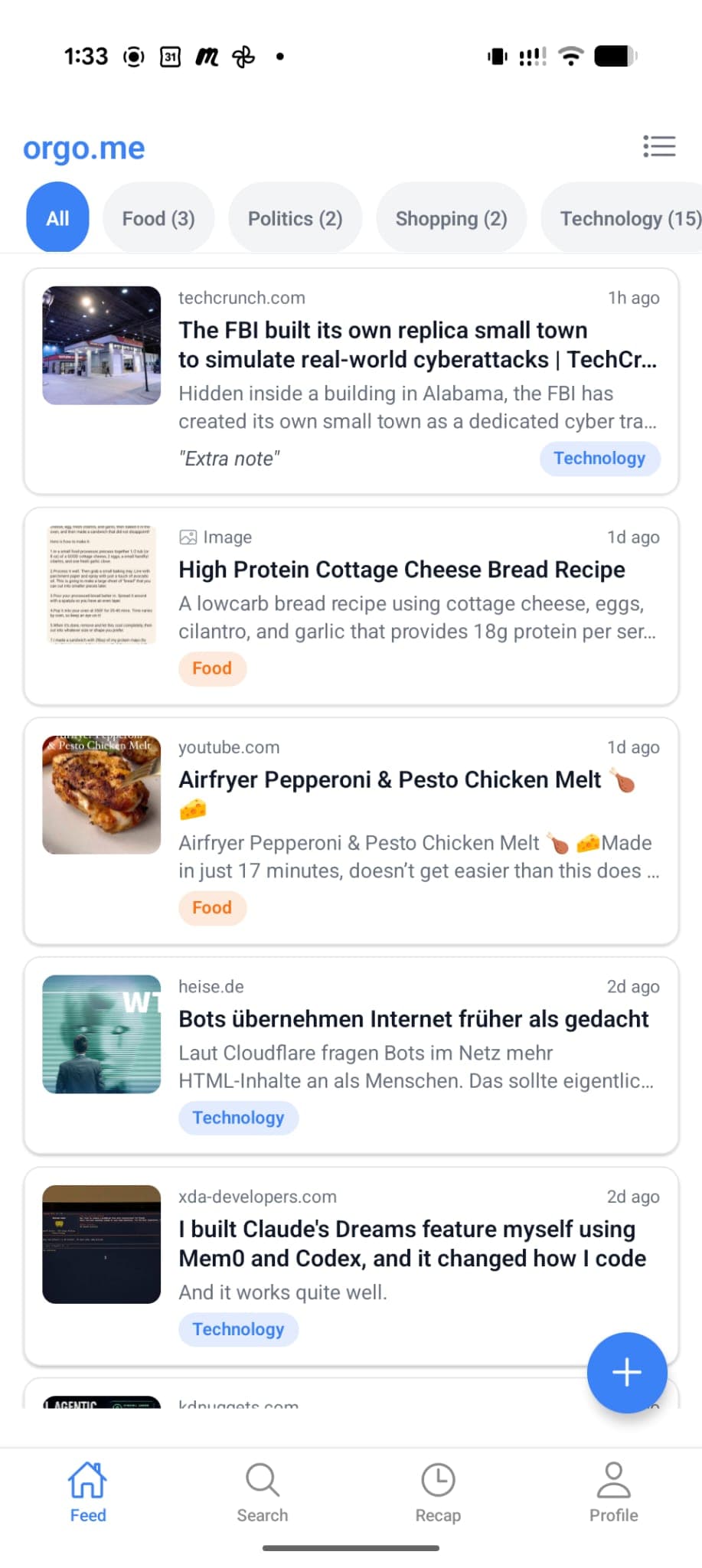
Feed
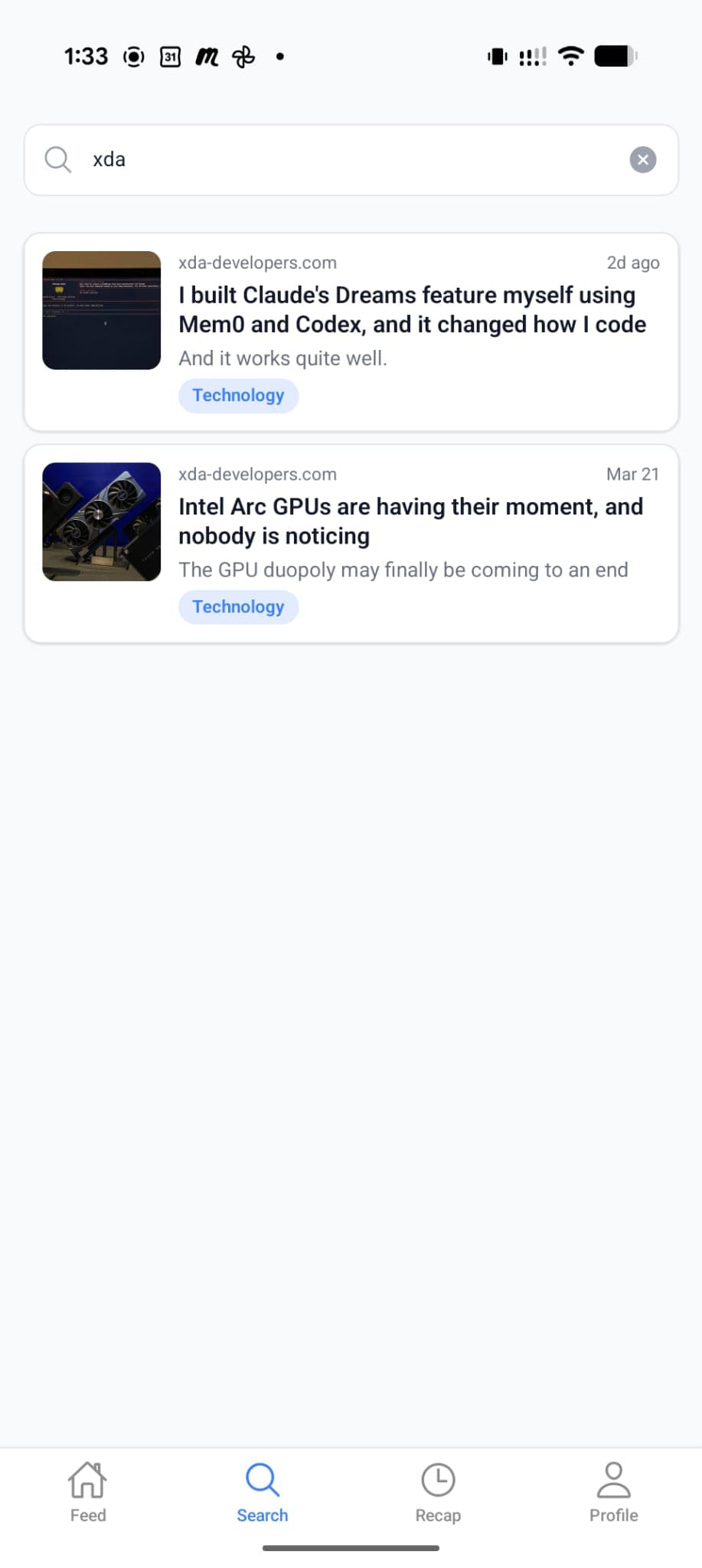
Search
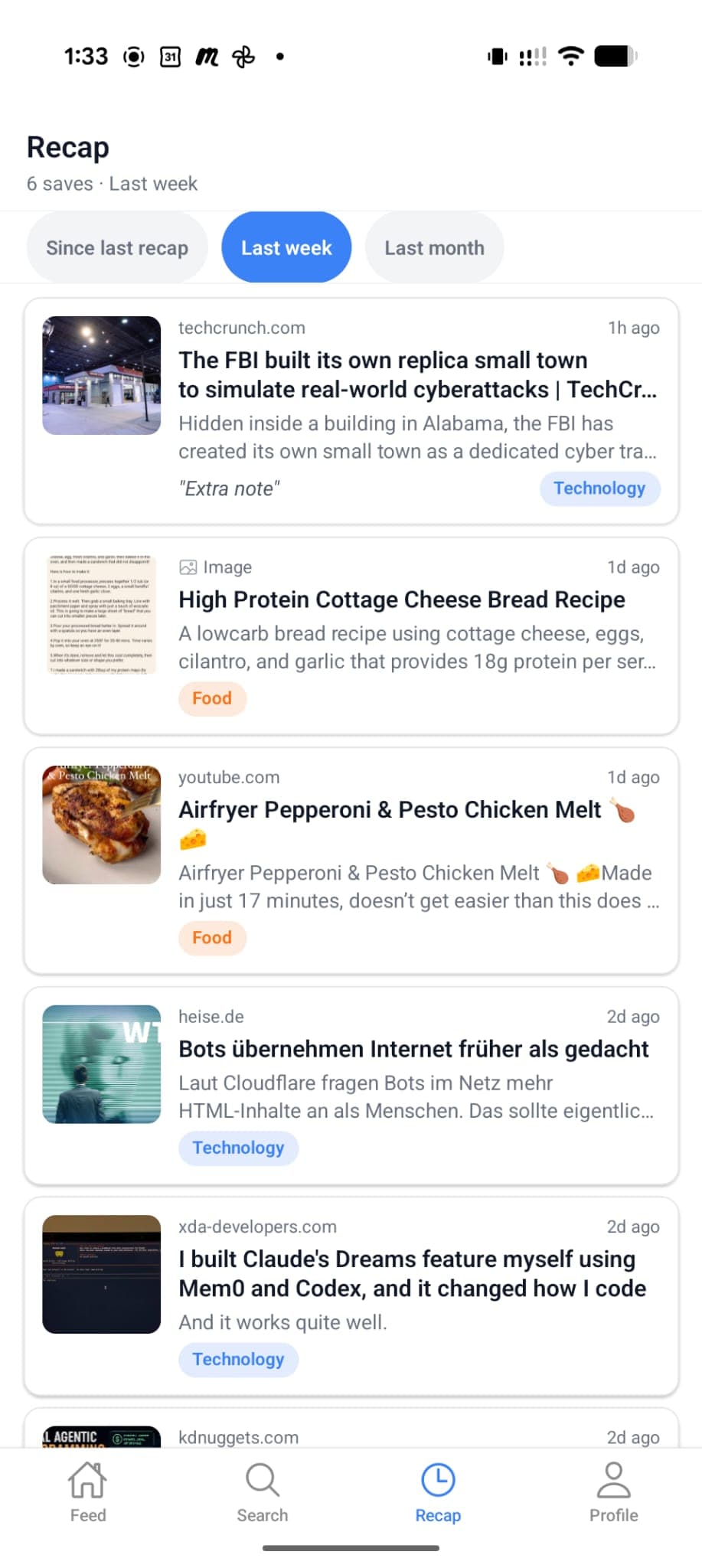
Recap
How it works
The app is built around the moment you find something useful. Save first, let Orgo enrich it, then come back through search, category filters, archive, or recap.
Share into Orgo from the place where you found it. The save lands immediately, then details fill in.
Automatic categories and tags keep the library browsable without asking you to maintain folders.
Search, filter, recap, archive, and edit from the same library across the app and web companion.
App capabilities
Orgo combines a fast mobile save flow with the structure needed to make saved things useful later: metadata, categories, media previews, archive, recap, quotas, privacy controls, and account deletion.
Capture useful things from the apps you already use, then keep them in one private Orgo library.
Titles, summaries, categories, and tags are added in the background so saving never turns into filing.
Find saves by topic, title, note, domain, summary, or category instead of scrolling through old chats.
Saved media stays recognizable with previews, private storage, and full-screen viewing when you return.
Move old items out of the feed, restore them when needed, or permanently delete them with storage cleanup.
Review recent saves by period so useful links do not disappear after the moment you captured them.
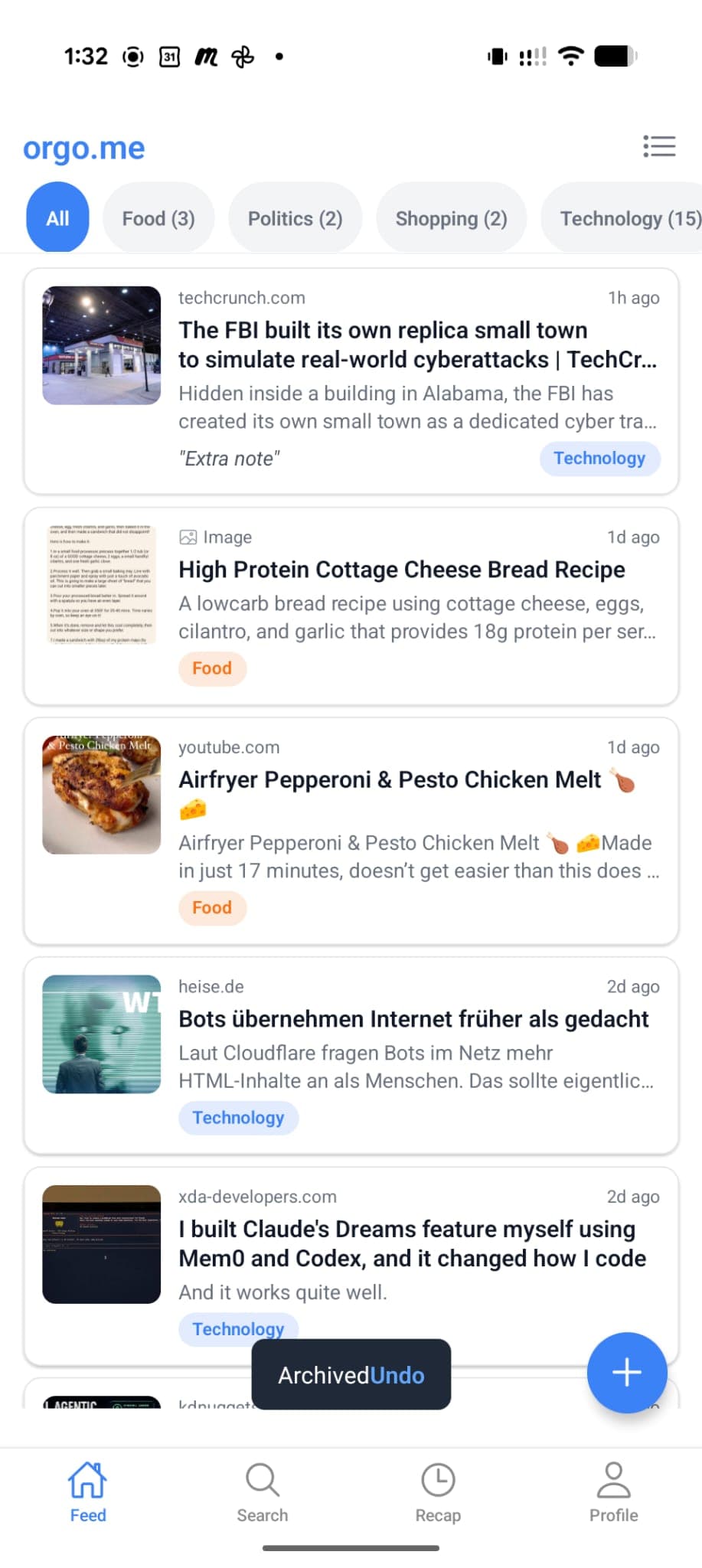
Links, images, videos
Core save types shown in the app
Search and filters
Full-text retrieval plus category chips
Private by default
Account controls, deletion rights, and consent-first analytics
Built for retrieval
Search finds saved items by the words you remember. Category chips keep browsing light. Recap gives recent saves a second chance before they vanish from your attention.
FAQ
The app is built for links, images, and videos, including saves that come from other apps through the mobile share flow.
Yes. Orgo adds useful details such as title, description, category, tags, and summaries so the library stays searchable without manual folder work.
Yes. The web companion lets you browse, search, edit, archive, restore, and manage saved items on a larger screen. Capture is fastest in the mobile app.
Yes. Orgo includes a free plan with 30 saves per month and 500 MB of storage. Paid plans start at €4,99 per month, and plan limits are shown before purchase.
The Android app is the most complete surface today and the web companion works in any modern browser. An iOS beta is in preparation.
Create an account, save from the app, and come back to a cleaner library that is actually searchable.